Digital Concierge
Concierge
At your service
Chat with the concierge
Ask about rooms, facilities, dining and the spa — or book a room end-to-end through natural conversation, in Thai or English.
Open the chatAdmin console
Manage bookings, rooms, conversation logs and users, and explore the Customer 360 view. (Demo token in the Connection panel.)
Open the consoleDemo Features
Conversational AI Booking
Guests book a room through natural conversation — dates, room type, guest count collected step-by-step. The AI uses Claude on Amazon Bedrock; prices and availability always come from backend data, never invented by the model.
Bilingual TH/EN + Manual Switch
Auto-detects Thai or English from each message. A manual toggle in the chat header lets the guest force a reply language regardless of input language.
Room Number Pool + Auto-assign
Each room type has a pool of physical room numbers. On booking confirmation, the system auto-assigns a free room based on date overlap — like a mini-PMS.
Calendar — Per-room Availability Drill-down
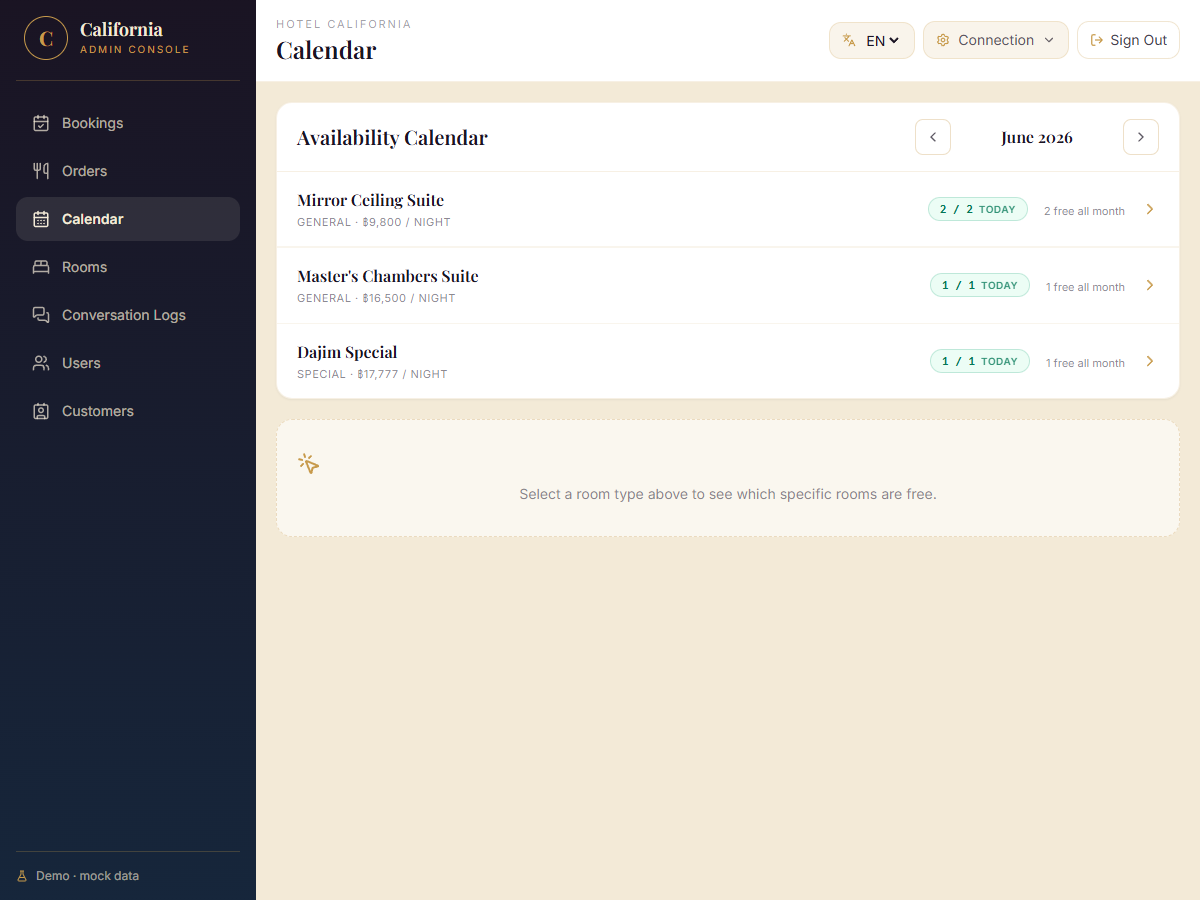
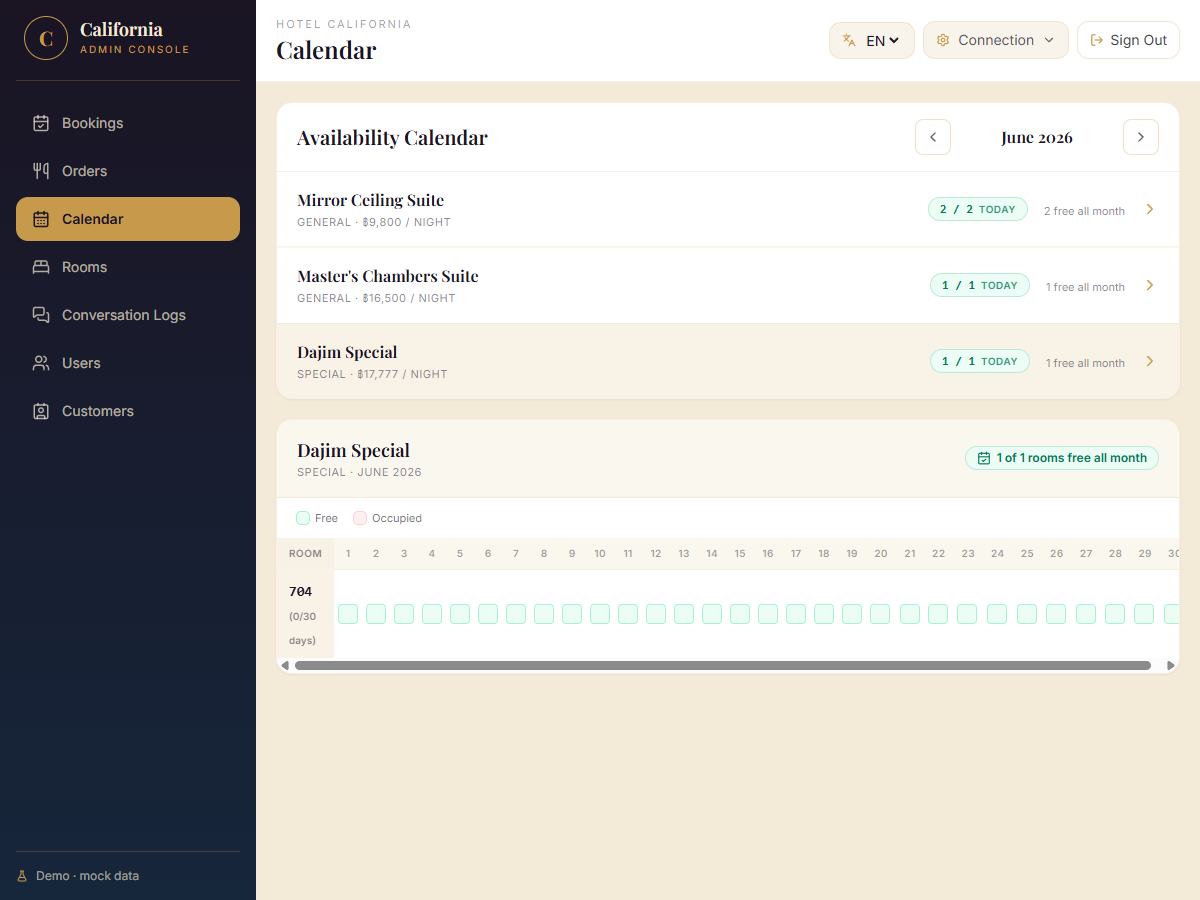
Admin sees total vs. free rooms per type at a glance. Clicking a type shows every room number × day of the month — green (free) or red (occupied) with booking details on hover.
Customer 360 (CDP-ready)
Guests who complete a booking are auto-created in a Customer profile linked to their bookings and conversation logs — ready to hand off to a real CDP.
In-room Dining / Room Service
Guests browse the menu, add/remove items, and place an order — delivered to their room. The entire flow is conversational, no separate app needed.
White-label Multi-brand
One codebase, many brands. A new tenant is onboarded with a single shell command — brand voice, colour palette, greeting, and room catalog all switch at runtime.
Light Footprint Architecture
No DB, no Docker, no Kubernetes. A single EC2 micro instance + a shared cross-account Lambda runs the whole demo — easy to extend to production-grade infra.
Business Opportunities
Integrate PMS (Opera, OHIP) for live inventory + real check-in/out. Payment gateway for prepaid bookings / upsell packages. Real CDP (Segment, mParticle) sync from the demo's `cdpSyncStatus` seam. Multi-property roll-out — one backend per hotel group, brands managed centrally. Voice channel — WhatsApp, LINE Official, or in-room voice assistant. Analytics dashboard — conversation drop-off, booking conversion funnel.
User Manual
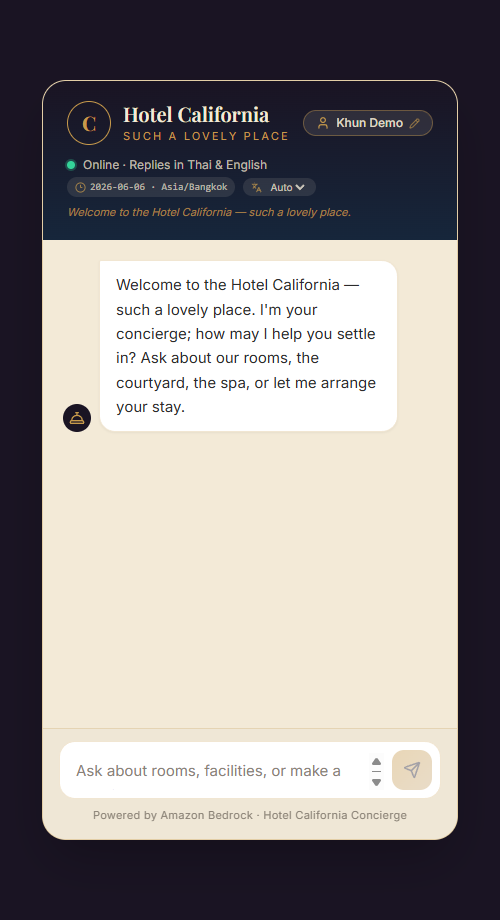
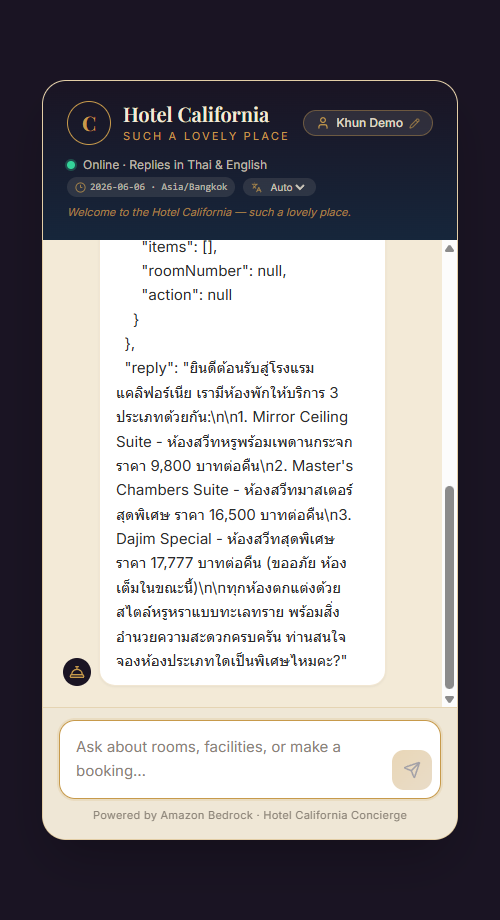
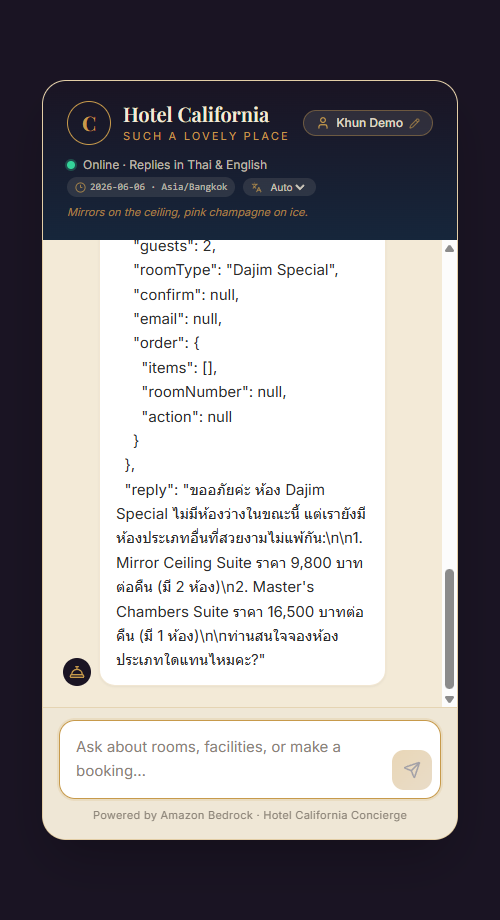
All screenshots below are from the Hotel California demo brand.
Guest Chat Widget
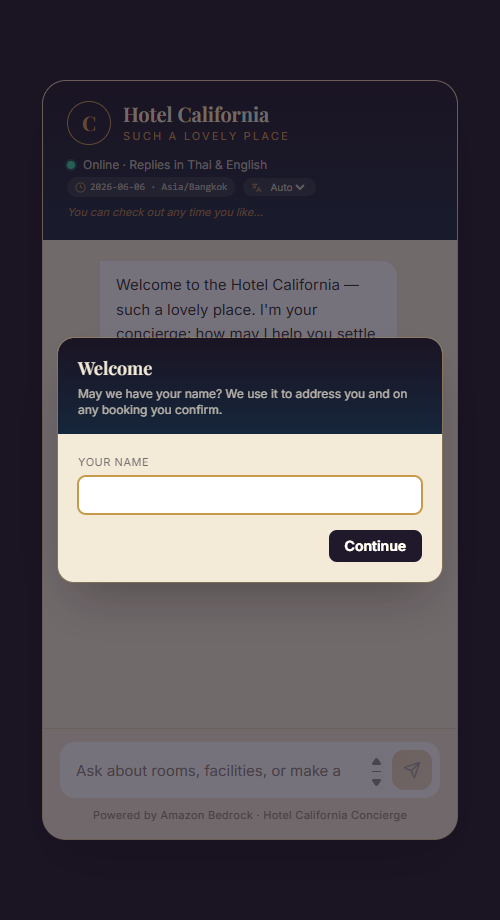
- Open the chat — visit
/chat/. A welcome modal asks for your name (stored locally; used on bookings). - Header bar — shows your name, device date + timezone (updates every 10 s), and a language toggle (Auto / EN / TH).
- Ask about rooms — type "มีห้องประเภทไหนบ้าง" or "What rooms do you have" to see the current room catalog with prices.
- Book a room — provide check-in, check-out, guest count, and room type in one or multiple messages. The AI collects missing details step-by-step.
- Confirm — review the quoted summary and say "ยืนยัน" / "yes confirm". You receive a
BK-XXXXXXreference and a room number is assigned automatically. - Room service — say "show the menu" or "สั่งอาหาร" to browse and order in-room dining conversationally.
Admin Console
- Sign in — visit
/admin/and log in withadmin/demo-admin-pass. - Language — the globe icon in the top bar switches description messages between EN and TH.
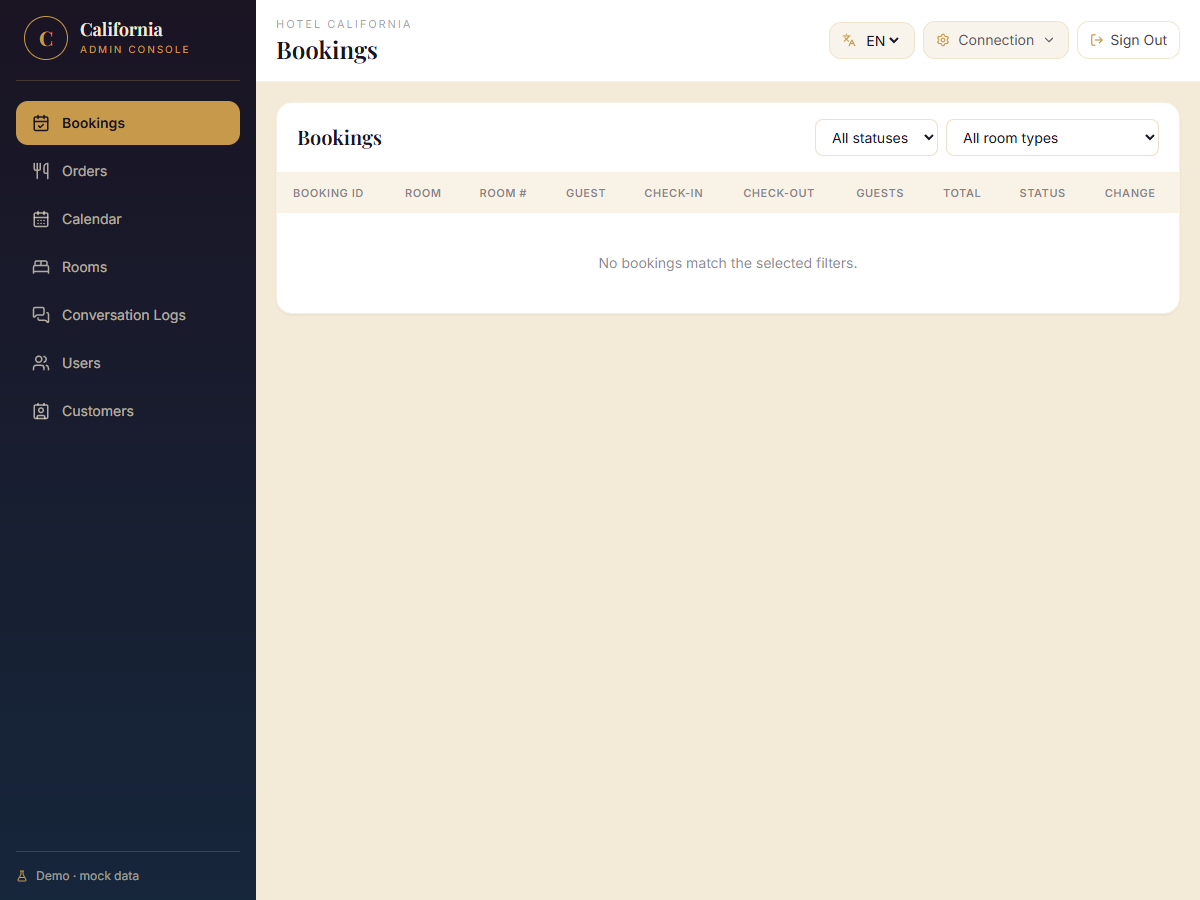
- Bookings — all guest bookings with Room Type, Room #, guest name, dates, price, and status. Change a status via the dropdown.
- Calendar — lists room types with total / available-today count. Click a type to drill down into a per-room-number × day grid (green = free, red = occupied).
- Orders — room service orders with items, delivery room, and status management.
- Customers — Customer 360 profiles linked to bookings + conversation logs. Filter by CDP sync status.
- Logs — full conversation history (guest message + AI reply + timestamp). Click a session to see it chronologically.
- Rooms — CRUD for room types (add/edit/delete with price, count, description).
- Users — manage admin users and roles.